The Per-Agent Firewall: Why Every OpenClaw Agent Army Needs Real Boundaries
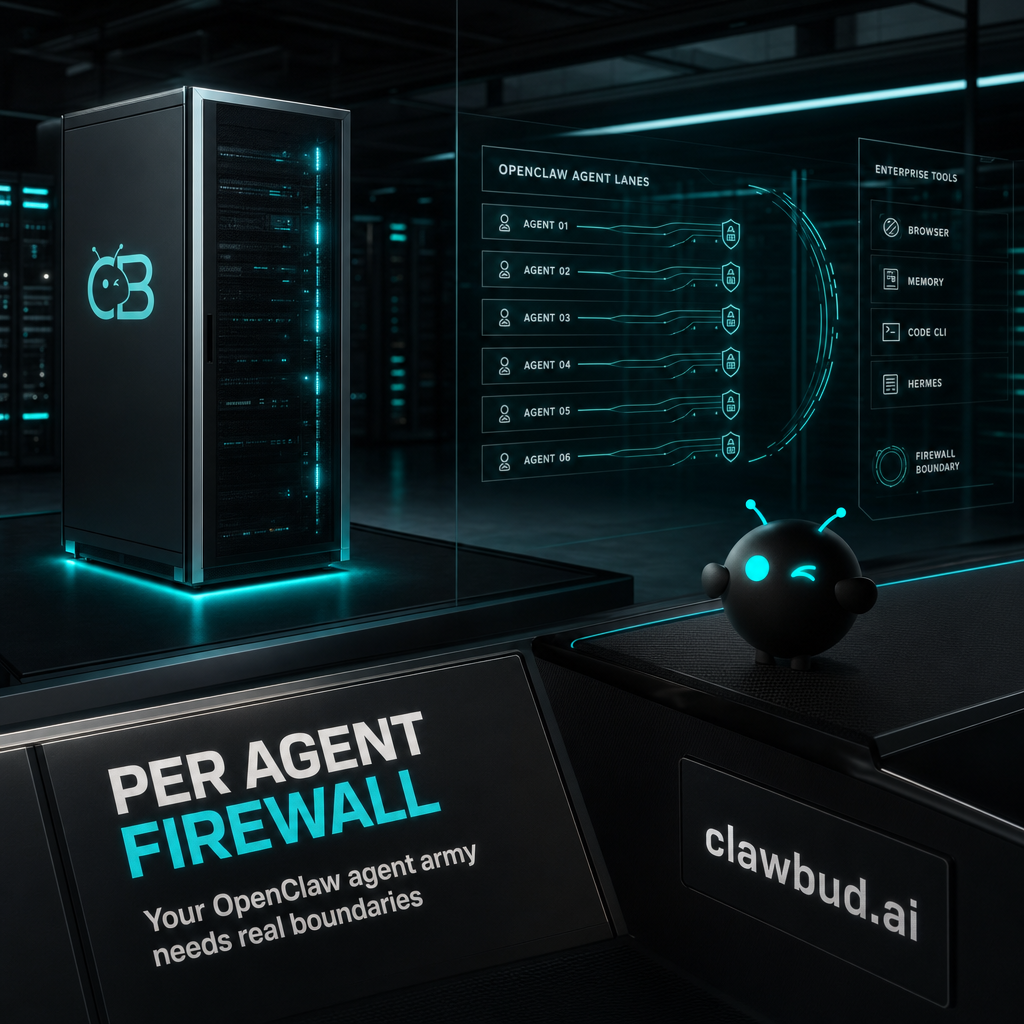
Meta: AI agents need more than prompts. See why ClawBud gives every OpenClaw agent army a full computer, one-click setup, and a dedicated firewall.
Not a chatbot. Not a shared container. A full computer, a real army of agents, and a per-agent firewall, all yours, deployed in one click.
That sentence sounds aggressive until you watch what modern agents are actually asked to do. They browse sites. They read files. They connect to Gmail, Slack, Telegram, WhatsApp, calendars, CRMs, and payment flows. They install skills. They run code. They keep memory. Some of them are narrow code agents. Some are autonomous agents that can keep working across tools and channels.
At that point, the old chatbot mental model breaks. A chat window does not need much isolation. An agent army does.
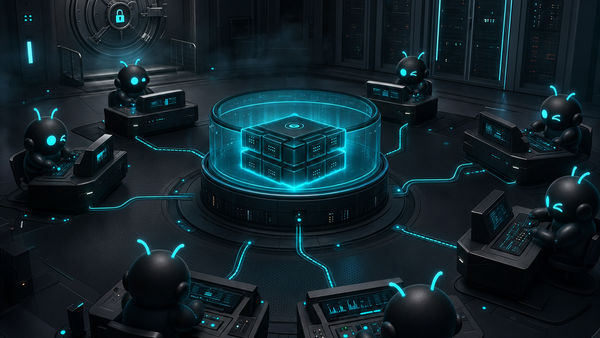
ClawBud is built around that shift: your own cloud-native agent army, powered by OpenClaw and deployed on a private cloud computer with real boundaries. The dedicated firewall is part of the product architecture.
Why a prompt is not a boundary
Prompts are useful. They are not security architecture.
You can tell an agent to avoid risky tools, ask before external actions, and stay inside a task. You should. But once an OpenClaw agent has browser access, file access, integrations, and long-running work, instructions are only one layer.
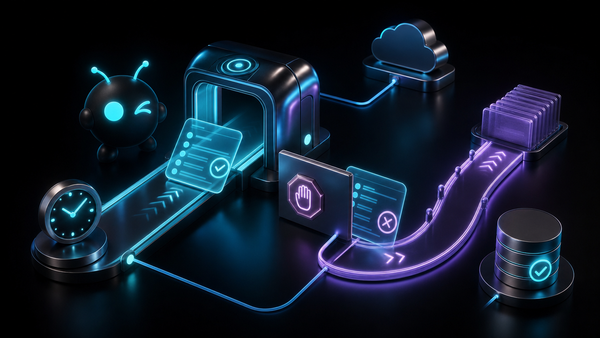
A serious agent setup needs boundaries that do not depend on the agent remembering a sentence in a system prompt. It needs network rules. It needs isolated credentials. It needs a private workspace. It needs a clear line between one customer’s agent army and everyone else’s.
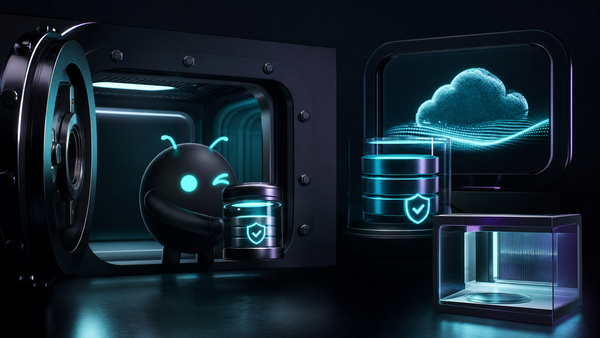
That is where ClawBud’s model is different. Every paying customer gets a full private cloud computer, not a shared container with a cute dashboard on top. Your OpenClaw runtime, Hermes, browser, memory, skills, channels, and code CLIs live inside your own environment.
Then ClawBud adds a firewall around that environment.
What a per-agent firewall actually protects
A firewall gives your agent army a real outer wall. In ClawBud, that means each customer environment is protected with its own auto-configured firewall rules, instead of being treated like another process inside a crowded shared setup.
The practical value is simple:
- Fewer exposed services
- Cleaner access control
- Safer browser and tool usage
- Better separation between customers
- A stronger default posture for long-running agent work
This matters because autonomous agents are not passive. An OpenClaw agent can be connected to business channels, browse the web, use skills, call tools, and assist with real workflows. A code CLI like Codex, Claude Code, Gemini CLI, or OpenCode is powerful inside a codebase. An autonomous agent is broader. It needs a workspace that behaves more like an operating environment than a chat tab.
The firewall does not magically make bad instructions safe. Nothing does. But it reduces the blast radius, which is exactly what you want when agents start touching real systems.
Full computer beats shared container
Shared containers are tempting because they are cheaper to operate. They are also the wrong default for serious agent work.
A shared container can be fine for demos and short tasks. The problem starts when the agent becomes part of business operations. You want a persistent browser, memory, integrations, logs, channels, skills, files, and tool access that behave predictably. You want to know the agent has room to work without stepping on someone else’s setup.
That is why ClawBud talks about a full computer.
A full private cloud computer gives your OpenClaw agent army its own base. It is not just compute. It is a place where autonomous work can live. Code agents can run there. Hermes can coordinate there. OpenClaw can manage tools and memory there. Space Agent can use its browser there. The dedicated firewall wraps the whole thing with stricter boundaries.
If the agent is going to act like a worker, give it an office. Not a bunk bed.
Code agents and autonomous agents are not the same job
This distinction gets missed all the time.
Code agents and CLIs are excellent at development tasks. Codex, Claude Code, Gemini CLI, and OpenCode can inspect a repo, edit files, run tests, and help ship software. They are sharp tools for technical work.
Autonomous agents are different. OpenClaw and Hermes are built for broader execution across tools, workflows, channels, browser sessions, memory, and ongoing tasks. They can coordinate work outside the codebase. They can act from Telegram or WhatsApp. They can use skills and integrations. They can support business processes that do not look like software engineering.
ClawBud does not force you to choose one side. It gives you both inside one private cloud computer. Code CLIs handle code. OpenClaw and Hermes handle autonomous work. The firewall, browser, integrations, and memory make the environment feel like a real agent operating system instead of a pile of disconnected tools.
That is the point of an agent army. Different agents, different jobs, one controlled base.
Where the browser changes the risk profile
A browser is where agents become useful and dangerous at the same time.
With a dedicated Chromium browser, your OpenClaw agent can log into tools, inspect web apps, research live pages, and complete tasks that pure API automation cannot handle. ClawBud’s Space Agent gives that browser a visual workspace, so the agent can operate with real context instead of guessing through text-only inputs.
But a browser also expands the surface area. It touches sessions, cookies, external sites, downloads, uploads, and workflows that were built for humans. That does not mean agents should avoid browsers. It means browser agents need stronger boundaries than chatbots.
A dedicated firewall and private computer do not replace careful permissions. They make those permissions mean something in a real environment.
One-click setup should not mean loose setup
The best part of ClawBud is also the easiest to misunderstand.
One-click setup does not mean ClawBud hides complexity by skipping it. It means the system does the boring, fragile setup work for you: OpenClaw, the agent environment, browser access, channels, skills, and firewall rules. You get the result without living in a terminal for an afternoon.
That matters for non-technical teams, but it also matters for technical teams that have better things to do. Most businesses do not need another weekend infrastructure project. They need an OpenClaw agent army that is ready to work and built with sane boundaries from day one.
Start at clawbud.ai, compare the plans on ClawBud pricing, or read more posts on the ClawBud blog.
The bottom line
If your agent only answers questions, a shared chatbot interface may be enough.
If your agent browses, writes, integrates, remembers, coordinates, and keeps working, you need a different architecture. You need a full computer. You need OpenClaw. You need a clear split between code agents and autonomous agents. You need a dedicated firewall.
That is the ClawBud bet: agent work is moving from chat to cloud-native agent armies, and serious teams will want those armies on infrastructure they control.
FAQs
What is a per-agent firewall in ClawBud?
It is a firewall layer around each customer’s private ClawBud environment. It helps limit exposed services and gives your OpenClaw agent army stronger network boundaries than a shared setup.
Does ClawBud run OpenClaw?
Yes. OpenClaw is a core runtime inside ClawBud. ClawBud adds managed setup, a private cloud computer, Hermes, code CLIs, browser access, integrations, memory, skills, and the dedicated firewall around the agent army.
Why not just use a code agent like Codex?
Codex and other code CLIs are excellent for software tasks. They are not the whole agent army. OpenClaw and Hermes handle broader work across tools, browser sessions, channels, memory, and business workflows.
Is ClawBud only for developers?
No. Developers can use the code agents, but ClawBud is built for business teams that want autonomous work without managing servers, terminals, and agent setup manually.
How fast is setup?
ClawBud is designed for one-click setup. The platform prepares the private cloud computer, OpenClaw environment, agent tools, browser access, and firewall rules so you can start working without manual installation.
Where should I start?
Start with ClawBud. If you want your own keys, look at BYOK. If you want ClawBud to include the model usage, compare Starter, Pro, and Business on pricing.