Skills-IL and Hebrew RTL Dashboard: Why Localized OpenClaw Agents Matter
SEO Title: Skills-IL and Hebrew RTL Dashboard for OpenClaw Agents
Slug: skills-il-hebrew-rtl-dashboard-openclaw
Most agent tools still feel built for one narrow crowd: English-first developers, terminal-heavy workflows, and people willing to bend daily work around the tool.
That is fine for demos. It breaks inside a real business.
ClawBud takes a different bet. Your agent should fit the environment where work actually happens. For Israeli users, that means Hebrew, RTL, local workflows, and a dashboard that does not treat right-to-left text like a bug.
That is why Skills-IL and the Hebrew RTL dashboard matter. They turn OpenClaw into something teams can use every day.
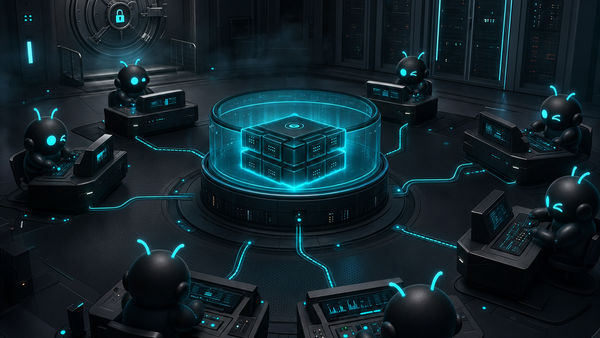
ClawBud is built around one promise: your own cloud-native agent army. Not a chatbot. Not a shared container. A full computer, a real army of agents, and a per-agent firewall, all yours, deployed in one click. For local teams, that promise has to speak the local language too.
English-only agent platforms create friction
Most agent products are dressed-up dev tools. They assume the user is comfortable in English, knows what a runtime is, can read technical errors, and will tolerate broken layout when Hebrew enters the screen.
That may work for a solo builder. It does not work for a team that wants the agent to help with daily work.
Hebrew is not just translated labels. Hebrew changes how the interface feels:
- Navigation should flow right to left.
- Buttons should sit where Hebrew users expect them.
- Empty states should read naturally, not like a dictionary export.
- Support widgets should not cover the interface in RTL mode.
- Skill names should be understandable without a developer nearby.
If the dashboard feels foreign, adoption drops. People stop exploring. They go back to WhatsApp, spreadsheets, and manual work.
What Skills-IL means in ClawBud
Skills-IL is ClawBud's localized skill catalog for Israeli users. In May 2026, ClawBud shipped Hebrew translations for 147 skills, together with RTL work across the dashboard.
A skill is how an OpenClaw agent learns a repeatable way to do work. Instead of asking the agent from scratch every time, you give it a known operating pattern. That can cover research, content, support, code work, reporting, customer follow-up, browser tasks, and internal processes.
For an English-first operator, a wall of skill names may be fine. For a Hebrew-first team, it becomes friction. Skills-IL lowers that friction so the owner, manager, and team can understand what the agent can actually do.
This matters because ClawBud is not selling a chat box. It gives each customer a dedicated OpenClaw environment with agents that can run tools, use a browser, connect to channels, and operate inside boundaries.
Hebrew RTL is product architecture
RTL support sounds small until you live inside a dashboard that gets it wrong.
Bad RTL is not just ugly. It creates doubt. If the interface cannot handle Hebrew text cleanly, why trust it with support messages, sales notes, CRM records, task names, and customer names?
ClawBud's May dashboard work covered Hebrew and RTL across multiple surfaces, including sidebar behavior, dashboard strings, theme controls, Skills-IL, Crisp support placement, and the CRM beta surface.
That matters because an autonomous agent is only as useful as the human control room around it. The dashboard is where you configure, watch, guide, and understand the agent army.
A code agent or CLI can live in a terminal. Claude Code, Codex, Gemini CLI, and OpenCode are powerful for software tasks. But they are not the same thing as an autonomous OpenClaw agent that sits inside a managed operating environment, connects to channels, uses skills, runs browser work, and keeps working across business context.
Code agents and CLIs are for software work. Autonomous OpenClaw agents are for business work across tools and channels. The ClawBud dashboard is the control room for both.
A localized dashboard makes the autonomous layer usable by more than developers. That is the real shift.
Why a full computer still matters
Localization solves one adoption problem. Architecture solves another.
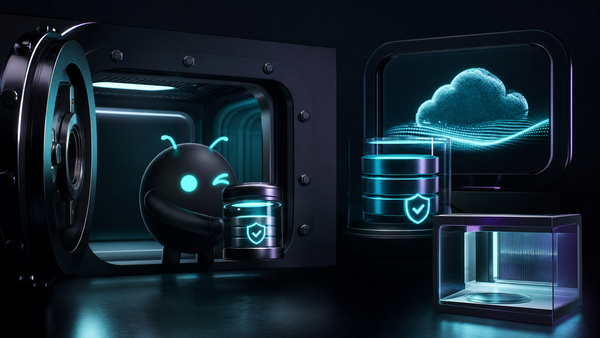
If an agent is going to do real work, it needs more than a chat prompt. It needs a place to run. ClawBud gives each customer a dedicated computer in the cloud, not a shared sandbox where everyone is piled into the same abstract pool.
That full computer model gives the agent room to operate:
- A dedicated Chromium browser for web tasks.
- OpenClaw as the base runtime.
- Hermes for multi-agent orchestration.
- One-click installs for Claude Code, Codex, Gemini CLI, OpenCode, NemoClaw, Goose, DeerFlow, and Automaton.
- Telegram, WhatsApp, Discord, Slack, and Google integrations, depending on plan and setup.
- A dedicated firewall around agents, so boundaries are not only a promise in copy.
This is where ClawBud is opinionated. Shared infrastructure is cheaper to describe. A full computer is easier to trust.
When an agent has browser access, memory, files, channels, and skills, boundaries become serious. A dedicated firewall per agent is not a nice extra. It is part of making autonomous work less reckless.
One-click setup makes it usable
None of this would matter if every customer had to become a server admin first.
That is the trap with many self-hosted setups. OpenClaw is powerful, but installing, securing, updating, connecting, and debugging it takes time. Add browser work, channels, model choices, skills, and support, and the tool becomes another weekend project.
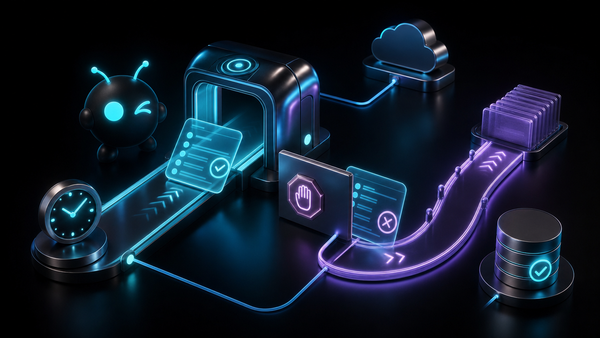
ClawBud removes that pain with one-click setup. You pick a plan, deploy your dedicated computer, and get a managed OpenClaw environment without living in the terminal.
Developers can still use code agents and CLIs. Operators can still manage workflows. Israeli teams can still work in Hebrew. Everyone gets the same base idea: a private cloud-native agent army that is yours.
Where this helps first
Skills-IL and Hebrew RTL are especially useful in teams where the agent has to cross from technical setup into daily operations.
A few obvious examples: support teams using Telegram or WhatsApp, founders managing CRM follow-ups in Hebrew, agencies serving Israeli clients, and developer-led companies that want Codex or Claude Code installed without making the whole dashboard feel developer-only.
The future is not only code agents writing code. It is autonomous agents doing work across the company.
Start with ClawBud
If you want a chatbot, there are plenty of cheap boxes on the internet.
If you want your own cloud-native agent army, start with architecture: OpenClaw, a full computer, browser access, skills, channels, and a dedicated firewall. Then make it usable for the people who will actually operate it.
That is where Skills-IL and the Hebrew RTL dashboard fit. They make ClawBud feel like a real operating system for agent work.
Start here: clawbud.ai
Useful pages:
- ClawBud pricing
- ClawBud blog
- ClawBud changelog
- ClawBud integrations
FAQs
What is Skills-IL in ClawBud?
Skills-IL is ClawBud's Hebrew-localized skill catalog for Israeli users. It helps users understand and activate OpenClaw skills without forcing every workflow through English developer language.
Is ClawBud only for Hebrew-speaking teams?
No. ClawBud is an English-first global product with Hebrew and RTL support for Israeli users. The point is that the platform can serve both technical users and local business teams without making the interface feel broken.
How is an autonomous OpenClaw agent different from a code agent or CLI?
A code agent or CLI is mainly built for software work in a terminal or coding environment. An autonomous OpenClaw agent can operate across tools, channels, browser sessions, memory, files, and workflows inside a managed cloud environment.
Why does ClawBud use a full computer for each customer?
A full computer gives the agent a stable place to run browser work, tools, files, channels, and OpenClaw services. It also avoids the messy trust problem of running serious agent work inside a shared container.
What does the dedicated firewall do?
The dedicated firewall gives each agent environment real network boundaries. That matters when agents can use tools, browsers, channels, and memory instead of only answering chat prompts.
Can I start without terminal knowledge?
Yes. ClawBud is built around one-click setup. You can deploy a managed OpenClaw agent army without manually installing OpenClaw, configuring a server, or wiring every channel yourself.