Code Agents Are Not an Agent Army: Why OpenClaw Needs a Full Computer
Not every agent is trying to do the same job.
A code agent or CLI is brilliant when the task is inside a repo. It can read files, edit code, run tests, explain failures, and push a clean change if you know how to steer it. Useful, yes. But it is not the same thing as an autonomous business agent that lives in the cloud, watches tools, handles messages, opens a browser, remembers context, and comes back tomorrow still ready to work.
That is the shift ClawBud is built for.
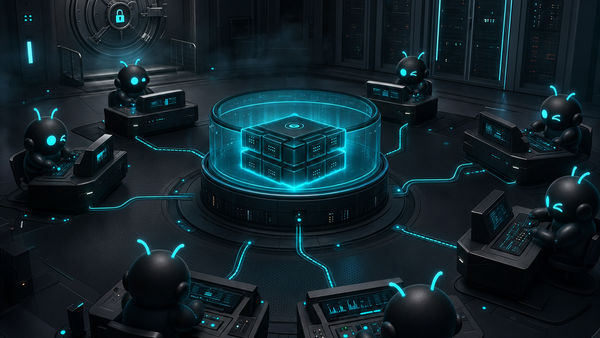
Not a chatbot. Not a shared container. A full computer, a real army of agents, and a per-agent firewall, all yours, deployed in one click.
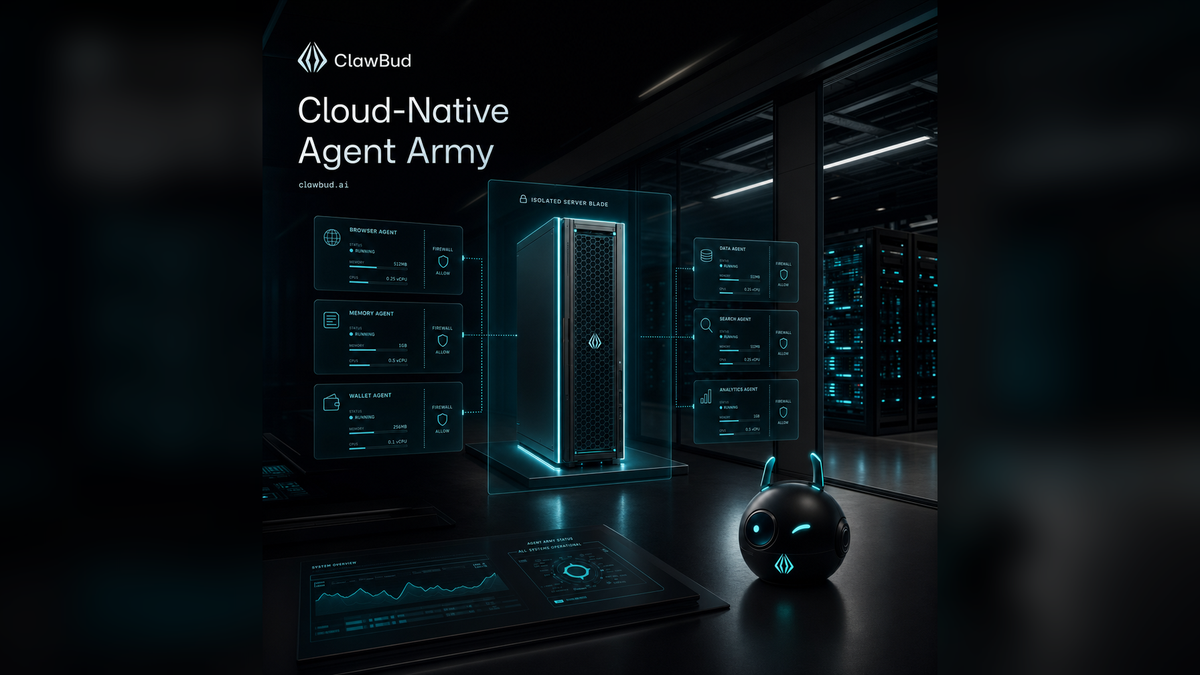
ClawBud is your own cloud-native agent army, powered by OpenClaw. Each agent runs on its own dedicated computer with real boundaries, real tools, and a dedicated firewall. That matters because autonomy is not a writing prompt. Autonomy is an operating environment.
Code agents are sharp, but narrow
Tools like Codex-style CLIs, terminal copilots, and coding assistants are designed around a developer workflow. They sit near code. They help with implementation. They shine when the target is clear: fix this bug, refactor this component, add tests, explain this stack trace.
Most business work does not live neatly inside one Git repository.
A real workflow might start in Telegram, check a Gmail thread, open a dashboard in a browser, compare a spreadsheet, call an API, update a Notion page, write a reply, then wait for the next message. That is not only code execution. That is operational work.
Autonomous agents need a place to live
If an agent is expected to work across the day, it needs more than a chat window.
It needs a persistent environment. It needs browser access. It needs memory. It needs channel connections. It needs logs. It needs permissions that are scoped tightly enough to be safe, but broad enough to finish the job.
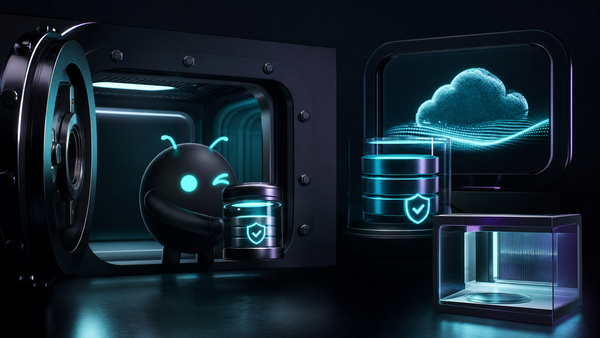
That is why ClawBud gives every customer a dedicated computer in the cloud, not a thin shared runtime. Your OpenClaw agent has its own home. It is not squeezed into a shared container with other users. It is not borrowing a random browser session. It is not depending on your laptop being open.
You can start from the ClawBud homepage and deploy in one click. No terminal setup. No server knowledge. No config maze before you even know if the product helps you.
Why a full computer beats a shared runtime
A shared runtime is fine for demos. It is weaker for serious work.
Business agents need isolation. They need predictable state. They need their own browser profile, their own files, their own service process, and their own network rules. The moment an agent connects to Gmail, WhatsApp, Slack, Stripe, an internal dashboard, or a customer support system, boundaries stop being a nice extra. They become the product.
Use a code agent when you want code changed. Use an autonomous OpenClaw agent when you want work handled.
The dedicated firewall is not decoration
Autonomous agents need real boundaries because they touch real systems.
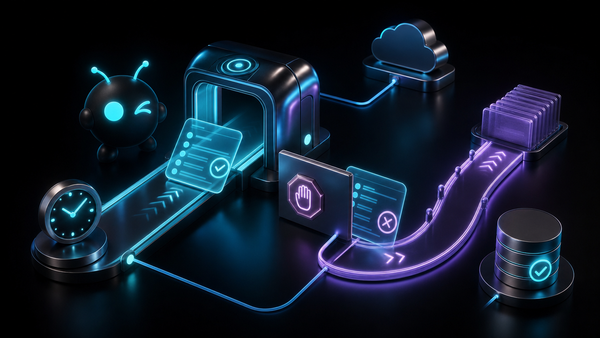
ClawBud uses a dedicated firewall per agent. That means every OpenClaw agent gets its own network boundary instead of living inside one broad shared space. For teams, founders, agencies, and operators, that is the difference between “interesting demo” and “I can actually connect this to my work.”
A firewall does not make an agent magically safe. Nothing does. But it gives you a sane default: one agent, one environment, one controlled boundary. That is how serious systems should be built.
ClawBud’s model is clean: each agent gets its own dedicated computer and its own dedicated firewall.
OpenClaw is the engine, ClawBud is the managed army layer
OpenClaw is powerful because it gives agents tools, sessions, memory, channels, browser access, file operations, and real execution. But self-hosting OpenClaw means you become responsible for setup, updates, services, logs, ports, browser issues, provider keys, and all the boring parts that somehow become urgent at midnight.
ClawBud wraps OpenClaw in a managed product.
That is the promise: one-click setup, managed OpenClaw, a dedicated computer, a dedicated firewall, a browser you can watch, and the foundation for a real agent army.
If you want to compare plans, the ClawBud pricing page explains BYOK, Starter, Pro, and Business options. BYOK is for people who want to bring their own model keys. Starter and Pro are for teams that want more of the setup handled. Business is for heavier operational use where support, controls, and scale matter more.
Browser, memory, and wallet change the class of work
A coding assistant can modify a file. A cloud-native OpenClaw agent can operate in a wider loop.
The browser lets the agent use real websites and dashboards. Memory lets it avoid starting from zero every time. A wallet, when enabled and controlled, lets an agent handle small paid actions or x402-style flows without turning every step into a manual approval bottleneck.
This is where the phrase “agent army” earns its keep. An army is not one giant all-powerful bot. It is a set of specialized agents, each with a role, a workspace, a boundary, and a way to report back.
Who this is for
ClawBud makes sense if you want an agent that actually runs work, not just answers questions.
It is a strong fit for founders who want a private OpenClaw agent without touching infrastructure, agencies that want separate agents for clients, operators who need Telegram, WhatsApp, Google, browser, and files in one place, and technical teams that already use code agents but need autonomous agents around the product.
If all you need is a code suggestion inside an editor, use a code agent. If you want a worker in the cloud that can operate across tools, ClawBud is the better shape.
Bottom line
The agent market is mixing up two very different ideas.
Code agents and CLIs help build things. Autonomous OpenClaw agents help run things. ClawBud is built for the second category: your own cloud-native agent army, with each agent on a full dedicated computer, protected by a dedicated firewall, and ready in one click.
That is not a chatbot with a nicer landing page. It is a different operating model.
Start with one agent at clawbud.ai. Give it a real job. Then add more agents when the work deserves an army.
FAQs
Is ClawBud a chatbot?
No. ClawBud gives you a managed OpenClaw agent running on a dedicated cloud computer. It can use tools, channels, browser sessions, files, memory, and integrations instead of only replying in chat.
How is ClawBud different from a code agent or CLI?
A code agent or CLI is best for editing and testing code. ClawBud is built for autonomous operations across browser, Telegram, WhatsApp, Slack, Google, files, and APIs. They can work together, but they are not the same product.
Why does every OpenClaw agent need a dedicated firewall?
Because autonomous agents touch real accounts and workflows. A dedicated firewall gives each agent a separate boundary, so one agent’s environment is not blended with everyone else’s.
Do I need server experience to use ClawBud?
No. ClawBud is designed for one-click setup. You do not need to install OpenClaw manually, configure ports, manage services, or keep a browser running on your own machine.
Can I bring my own model keys?
Yes. The BYOK plan is built for that. If you want ClawBud to handle more of the model setup, look at Starter, Pro, or Business on the pricing page.
Can ClawBud run multiple agents?
Yes. The point is to move from one assistant to a real agent army. You can create specialized OpenClaw agents for different jobs, each with its own computer, tools, and boundaries.