From Chatbot to Agent Army: Why OpenClaw Needs a Full Computer
Most AI products still behave like chat windows with better branding. You type, they answer, then everything stops until you ask again.
That is useful. It is not an army.
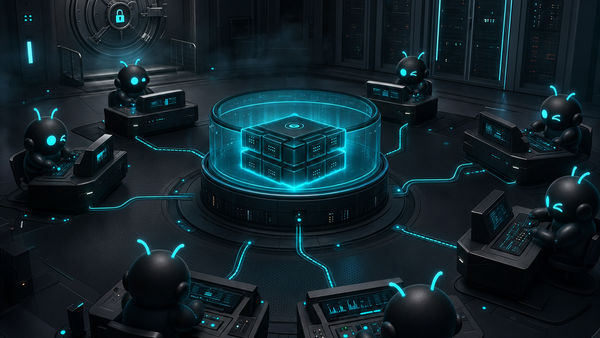
A real agent setup is different. It can research, open a browser, inspect files, call tools, use memory, run code, coordinate with other agents, and keep working through a task while you supervise the outcome. That is the shift ClawBud is built around: your own cloud-native agent army powered by OpenClaw.
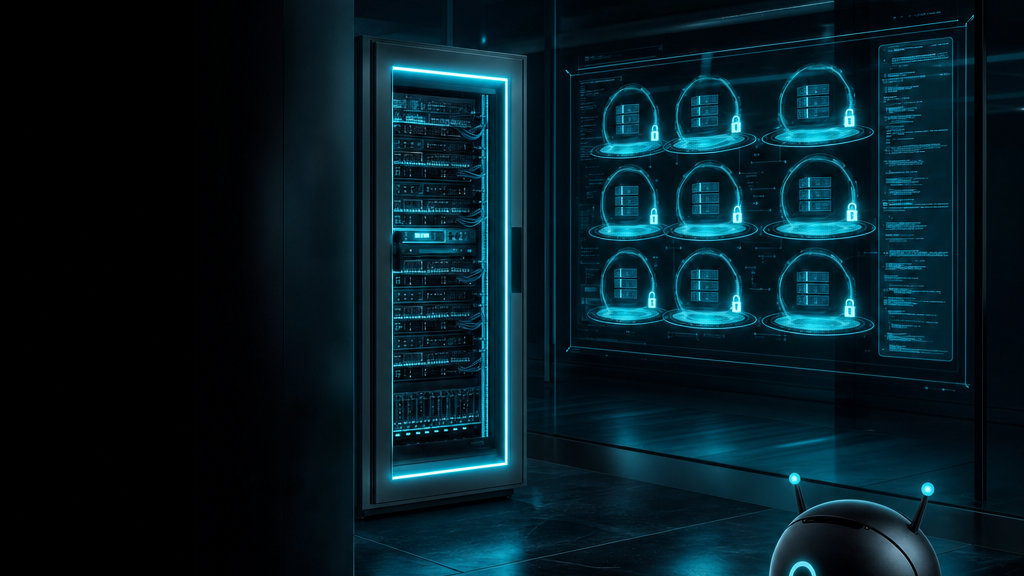
Not a chatbot. Not a shared container. A full computer, a real army of agents, and a per-agent firewall, all yours, deployed in one click.
Chatbots answer. Agents operate.
A chatbot is mostly a conversation layer. It can explain, summarize, brainstorm, and answer questions. Give it enough context and it can be genuinely helpful. But the center of gravity is still the message box.
An autonomous OpenClaw agent has a different job. It needs to operate across tools. It may need a browser session, a terminal, files, credentials, memory, calendar access, messaging channels, and a clean way to hand work to another agent.
That is why ClawBud does not position itself as another chatbot wrapper. The product is closer to a managed operating base for OpenClaw agents.
Why a full computer beats a shared AI container
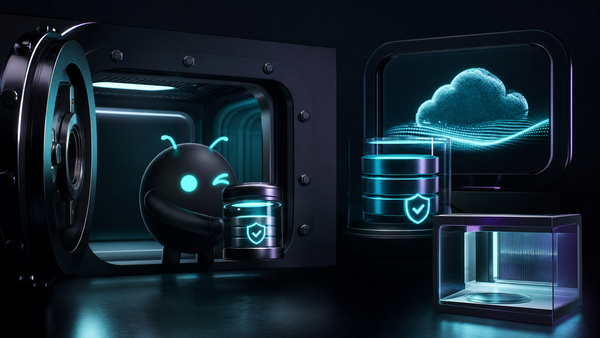
A full dedicated computer gives your OpenClaw setup a stable home. The agent has its own environment, its own browser state, its own files, its own integrations, and its own security boundaries. You are not borrowing a slice of a crowded system and hoping the abstraction holds.
For businesses, this is not just a technical preference. It changes what you can safely ask the agent to do.
ClawBud’s setup is designed for that kind of continuity. Plans start with BYOK, Starter, Pro, and Business, each giving users a managed OpenClaw environment without asking them to become infrastructure operators. You can see the current plan structure on the ClawBud pricing page.
Code agents and autonomous agents are not the same thing
This is where people often mix terms.
A code agent or CLI, like Claude Code, Codex, Gemini CLI, or OpenCode, is built for software work. It can inspect a repo, edit files, run commands, explain errors, and help ship code. That is powerful, especially when it runs inside a stable OpenClaw environment.
An autonomous agent is broader. It can coordinate work across tools, channels, browser sessions, memory, and business workflows. It might use a code CLI as one tool, but it is not limited to code.
ClawBud supports both categories because real work uses both. A founder might need Codex to fix a script, OpenClaw to manage ongoing tasks, Hermes to coordinate agents, and Space Agent to handle browser work. One system. Different workers.
That is the agent army idea in plain English. Not one magic bot pretending to do everything. A managed base where different agents can do the work they are actually good at.
The per-agent firewall is the boring feature that matters
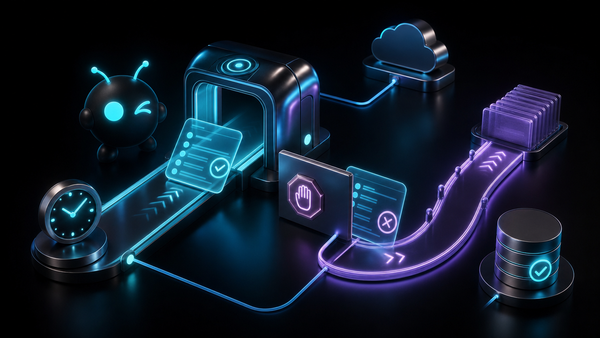
If you are giving agents browsers, terminals, integrations, and long-lived access, boundaries matter. ClawBud treats the firewall as part of the product, not an afterthought. Each OpenClaw agent gets dedicated firewall rules, so the environment is not just private, it is controlled.
That matters for teams that want autonomy without chaos. You can give agents more useful tools because the operating boundary is tighter. You can let them work inside a real computer because access is not treated like a free-for-all.
If you want the deeper security angle, read The Per-Agent Firewall: Why OpenClaw Agents Need Real Boundaries.
Browser, memory, wallet, and integrations turn agents into workers
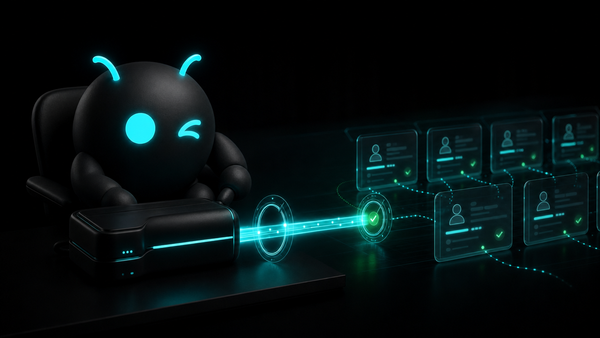
A browser lets an agent use web apps and dashboards that do not have clean APIs. Memory lets it remember instructions, preferences, context, and prior decisions. Integrations let it talk to the places where work already happens, like Telegram, WhatsApp, Discord, Slack, Gmail, Calendar, and Drive. Wallet capability opens the path for controlled machine payments and x402-style autonomous work.
None of this should require a founder to SSH into infrastructure at midnight. That is the point of ClawBud’s one-click setup. You choose the plan, deploy the environment, and get a managed OpenClaw base that is ready for real work.
Space Agent is a good example. It gives an OpenClaw agent its own browser so it can act in web interfaces instead of only describing what you should click. You can read more in Space Agent: Your OpenClaw Agent With Its Own Browser.
What changes when you own the agent base
With a chatbot, you ask for help. With your own OpenClaw agent army, you assign work. The agents have a place to live, tools to use, channels to report through, and boundaries that keep the system sane.
That makes ClawBud useful for different kinds of users:
- Solo builders who want code agents, browser automation, and memory without managing infrastructure.
- SMBs that want a real AI operator across channels and tools.
- Teams that need OpenClaw agents with clearer security boundaries.
- Organizations that want managed setup, support, and room to grow into multi-agent work.
The important part is that ClawBud is not asking users to choose between ease and ownership. The pitch is both: one-click setup, but on your own dedicated computer.
The bottom line
The next wave of AI work will not be won by prettier chat boxes. Chat is the door. Work happens behind it.
OpenClaw gives agents the runtime. ClawBud gives that runtime a managed home: a full computer, a browser, memory, integrations, code CLIs, autonomous agents, wallet capability, and a dedicated firewall around each agent.
If you want to ask questions, use a chatbot. If you want to build your own cloud-native agent army, start with ClawBud.
Start here: clawbud.ai
FAQs
What is a cloud-native agent army?
A cloud-native agent army is a set of OpenClaw agents running in the cloud with their own tools, memory, browser access, and operating boundaries. Instead of using one chat assistant for everything, you can assign different agents to different types of work.
Is ClawBud just a chatbot?
No. ClawBud uses chat as one interface, but the product is a managed OpenClaw environment on a dedicated computer. The agents can use tools, browsers, files, integrations, and code CLIs, depending on the setup.
Why does an OpenClaw agent need a full computer?
A full computer gives the agent a stable workspace with persistent files, browser state, memory, tools, and security rules. That is much better for ongoing work than a temporary shared container.
What is the difference between a code CLI and an autonomous agent?
A code CLI focuses on software tasks like editing files, running commands, and fixing bugs. An autonomous agent can coordinate broader work across tools, messages, browsers, memory, and workflows. In ClawBud, code CLIs can live inside the larger OpenClaw agent army.
Does ClawBud include a dedicated firewall?
Yes. ClawBud includes a dedicated firewall model for OpenClaw agents, with per-agent boundaries designed to make autonomous work safer and more controlled.
How fast can I start?
ClawBud is built for one-click setup. You choose a plan, deploy your dedicated OpenClaw computer, and start using your agents without setting up infrastructure by hand.