The Per-Agent Firewall: Why OpenClaw Agents Need Real Boundaries
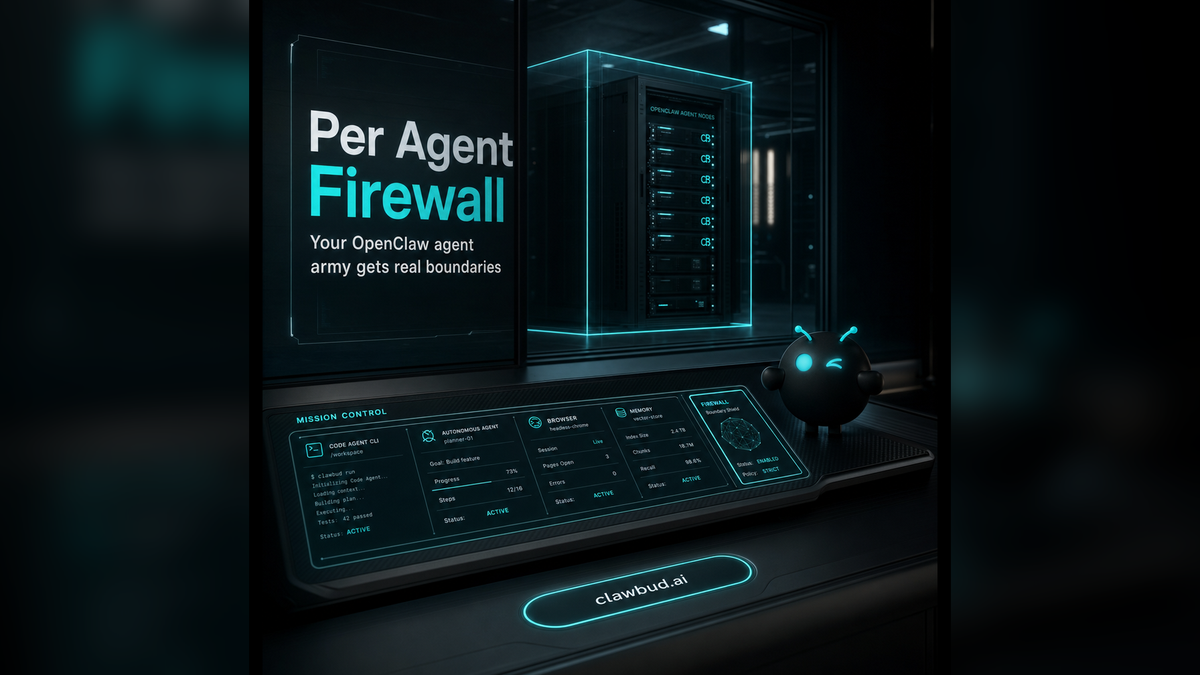
Autonomous agents are moving from novelty to operating layer. That shift changes the security model.
A chatbot waits for a question. A code agent or CLI helps a developer write, test, or inspect code. An autonomous OpenClaw agent can work across tools, browsers, channels, files, memory, and integrations. It can keep going after the first reply. It can trigger workflows from Telegram, Slack, WhatsApp, browser sessions, and connected accounts.
That is powerful. It also means the old shared-container approach is too thin for serious work.
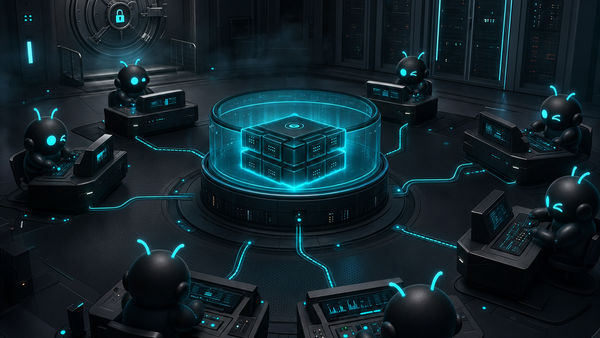
ClawBud was built around a different idea: your own cloud-native agent army. Not a chatbot. Not a shared container. A full computer, a real army of agents, and a per-agent firewall, all yours, deployed in one click.
That dedicated firewall is not decoration. It is the line between a toy setup and an OpenClaw agent stack you can trust.
Why agent security is different from chatbot security
Most AI security talk still treats the product like a chat window. That misses the point.
A chatbot has a narrow job. You send text in. It sends text back. The blast radius is usually limited to the conversation and whatever data the app already holds.
An autonomous agent is different. It may:
- open a browser
- read and write files
- use APIs
- connect to messaging channels
- remember context
- coordinate with other agents
- call code agents and CLIs when needed
OpenClaw makes that kind of work practical because it gives the agent tools, memory, sessions, skills, and channels. But once an agent can act, isolation matters more.
You do not want every agent living in the same soft box. You want boundaries that match the job.
Code agents and autonomous agents are not the same thing
This distinction matters because many teams mix the terms.
A code agent or CLI, like Codex, Claude Code, Gemini CLI, or OpenCode, is mainly built for development work. It helps inspect a repo, edit code, run commands, and ship changes. It is usually task-focused and developer-led.
An autonomous OpenClaw agent is broader. It can become an operating teammate. It can answer messages, use a browser, run workflows, manage memory, connect apps, and work across business context, not only code context.
ClawBud supports both worlds. You can install code agents and CLIs in one click, but the bigger product is the private OpenClaw agent environment around them. That environment needs stronger walls than a shared hosted workspace.
What a per-agent firewall actually does
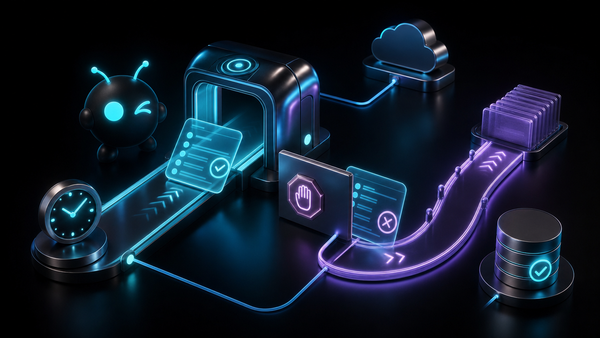
A firewall decides what traffic is allowed in and out. Simple idea. Big consequences.
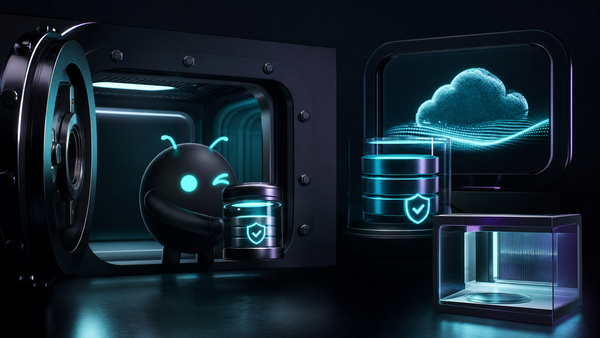
In ClawBud, the dedicated firewall is part of the private environment around the customer agent stack. The goal is plain: give each OpenClaw agent setup a real boundary instead of placing everyone inside shared infrastructure with weak separation.
That means the agent is not just another tab in somebody else's hosted dashboard. It runs on your dedicated computer with a firewall shaped around the agent environment.
For business users, that changes the conversation. Security becomes part of the product, not a setup burden pushed onto the customer.
You do not need to know terminal commands. You do not need to configure firewall rules by hand. ClawBud handles the setup so the agent starts with a cleaner boundary from day one.
Why shared containers feel cheap until something matters
Shared containers are attractive because they are easy to sell. They are fast to spin up. They look efficient on a pricing page. For demos, they are fine.
But serious agent work is not a demo.
When an OpenClaw agent has browser access, memory, channel integrations, and file access, the environment becomes part of the security story. If that environment is shared, you are trusting the platform to keep a lot of invisible walls perfect all the time.
A dedicated computer is a cleaner model. It is easier to reason about. Your agent stack has its own place to live. Its browser is not competing with another customer's session. Its runtime is not mixed into a shared pool. Its firewall is not a generic platform-level promise.
That is why ClawBud talks about ownership, not only hosting.
The browser makes boundaries even more important
Browser access is where the difference becomes obvious.
A browser is not a passive tool. It can log in, read dashboards, inspect websites, research competitors, manage forms, and operate web apps that do not have clean APIs. That is why ClawBud's Space Agent matters. It gives your OpenClaw agent its own browser, not a fragile shared browser trick.
But if an agent gets a real browser, it also deserves a real boundary.
The same is true for memory and future payment flows. As agents get better at long-running work, they need a home that looks more like an operating environment and less like a rented chat tab.
One-click setup should not mean weak setup
A lot of self-hosting guides have a hidden tax. They tell you the product is open and flexible, then quietly expect you to become the infrastructure team.
Install the runtime. Configure the domain. Patch the server. Set up the browser. Handle logs. Add channels. Secure the box. Fix the agent when something breaks.
That is fine for builders who enjoy the pain. It is bad for teams that just want the work done.
ClawBud keeps the one-click promise without stripping away the serious parts. You get managed OpenClaw, a full computer, agent tools, channels, browser access, and a dedicated firewall without opening a terminal.
Who needs this level of separation?
Not everyone needs a private agent army on day one. If you only want to test prompts, a basic chatbot is enough.
ClawBud is for the moment after that, when:
- your agent touches real business data
- you want OpenClaw without self-hosting
- you need Telegram, WhatsApp, Discord, Slack, Google, or browser workflows
- you want code agents and autonomous agents in one managed environment
- you care about clean boundaries before the agent gets more responsibility
- you want a setup that can grow from personal use to business operations
That is why ClawBud has plans for BYOK, Starter, Pro, and Business. The product can start small, but the architecture is not pretending agents will stay small forever.
You can review the live plans on ClawBud pricing, read the product story on ClawBud, or start from the signup flow.
The real point: agents need owned space
The next wave is not better chat bubbles. It is owned agent infrastructure.
OpenClaw gives teams the runtime for serious autonomous work. ClawBud gives that runtime a managed home: a full computer, one-click setup, a real browser, memory, channel integrations, code agents when needed, and a dedicated firewall around the agent environment.
That is the difference between renting a shared corner of someone else's system and running your own cloud-native agent army.
If your agent is going to act like part of the team, give it a place that is actually yours.
Start with ClawBud at clawbud.ai.
FAQ
What is a per-agent firewall?
A per-agent firewall is a dedicated network boundary around an agent environment. In ClawBud, it helps keep each customer's OpenClaw setup separated instead of relying on a broad shared-hosting model.
Is ClawBud just a chatbot?
No. ClawBud is built for managed OpenClaw agents. A chatbot replies. A ClawBud OpenClaw agent can use tools, memory, browser sessions, channels, and installed code agents or CLIs.
How is this different from a code agent?
A code agent or CLI helps with development tasks, like editing code or running commands. An autonomous OpenClaw agent can work across business tools, browser workflows, messaging channels, files, and memory.
Do I need to configure the firewall myself?
No. ClawBud is designed for one-click setup. The dedicated firewall is part of the managed environment, so you do not need terminal knowledge to get started.
Does every ClawBud customer get a full computer?
Yes. ClawBud is positioned around a dedicated computer for each customer, not a shared container. That is what makes the ownership model cleaner for serious agent work.
Does ClawBud support OpenClaw explicitly?
Yes. OpenClaw is the core runtime ClawBud manages. ClawBud adds hosting, setup, browser access, channels, support, and security boundaries around OpenClaw.