OpenClaw vs Hermes vs Codex: Which Agent Should You Use?
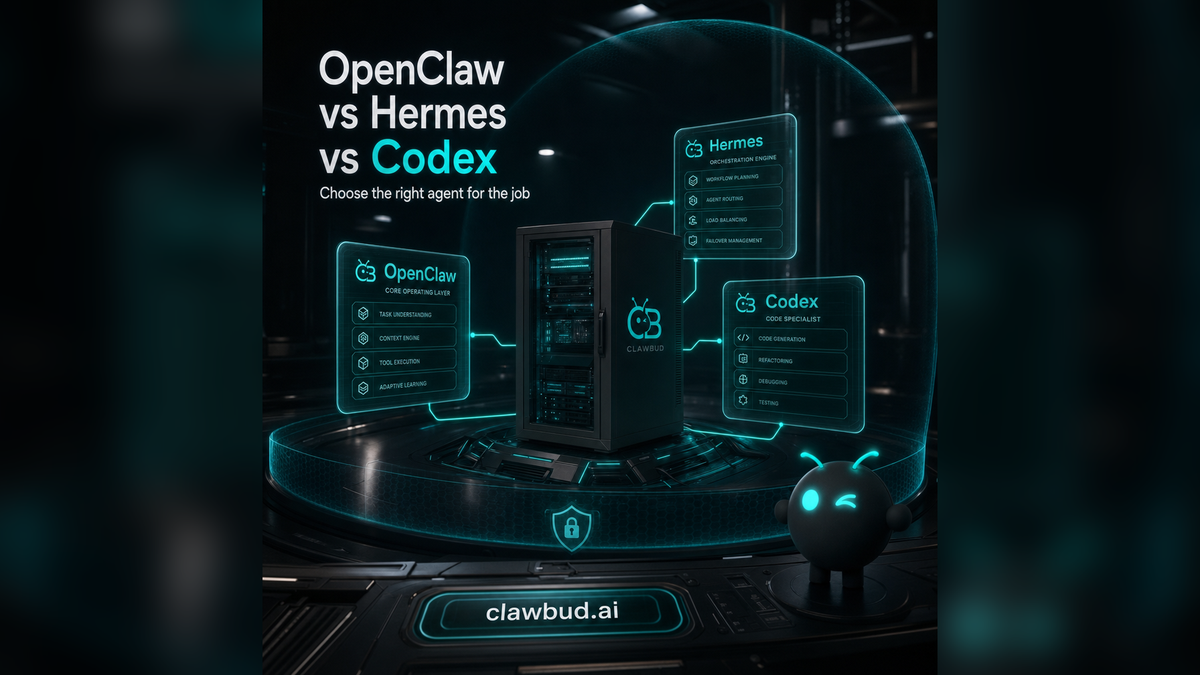
Most people talk about agents like one product category. They are not.
A code agent is not the same thing as an autonomous agent. A CLI is not the same thing as an orchestrator. A chatbot is not the same thing as a cloud-native agent army that can use tools, memory, channels, browsers, and other agents.
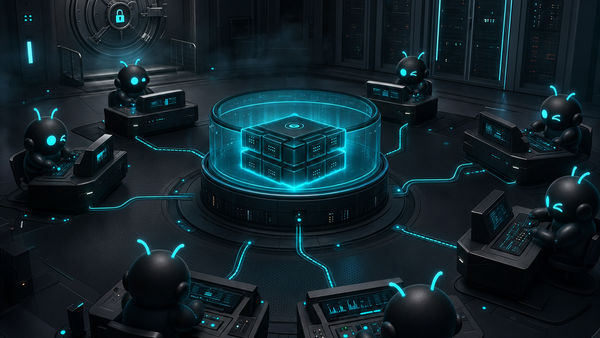
ClawBud is built around a clear idea: your own cloud-native agent army. Not a chatbot. Not a shared container. A full computer, a real army of agents, and a per-agent firewall, all yours, deployed in one click.
Inside that world, OpenClaw, Hermes, and Codex each have a job. Use the wrong one and you will either overcomplicate a simple task or expect a coding tool to act like an operating teammate.
Here is the clean way to think about it.
OpenClaw is the operating layer
OpenClaw is the base runtime for autonomous agent work. It gives an agent tools, memory, channels, sessions, skills, and the ability to connect with the outside world.
An OpenClaw agent can work through Telegram, WhatsApp, Discord, Slack, Gmail, Calendar, Drive, a browser, files, APIs, and custom skills. It can remember context, run workflows, and hand work to specialized tools when needed.
That is why ClawBud puts OpenClaw at the center. You are not renting a narrow chat surface. You get a managed OpenClaw environment on a dedicated computer, with one-click setup and a dedicated firewall around the agent stack.
Use OpenClaw when you want an autonomous agent that can live with your business context, not just answer prompts.
Good OpenClaw jobs include:
- monitoring customer messages and drafting replies
- running recurring research workflows
- managing CRM tasks and notes
- operating across browser-based tools
- coordinating business automations
- using memory to build context over time
- connecting channels like Telegram, WhatsApp, Discord, and Slack
OpenClaw is the agent body. ClawBud gives that body a private, managed place to live.
Hermes is the orchestration layer
Hermes is different. Think of Hermes as the layer for coordinating agents, routines, and channels.
If OpenClaw is the operating environment, Hermes is closer to a mission controller. It helps route work, manage agent behavior, and connect communication surfaces like Telegram and WhatsApp in a more organized way.
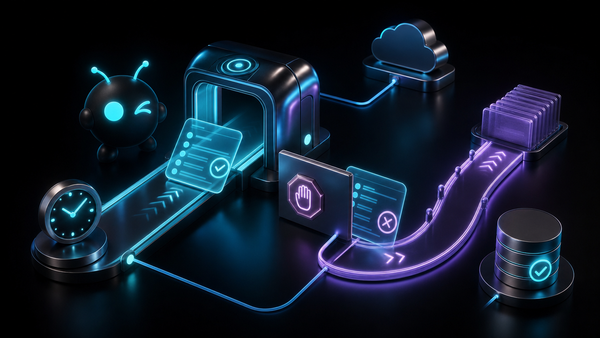
That matters once one agent becomes a team. Serious work quickly becomes a set of roles: research, support, content, operations, technical triage, CRM, follow-up, reporting. Hermes is built for that shift from one capable agent into a managed agent system.
Use Hermes when you care about coordination more than a single reply.
Good Hermes jobs include:
- managing multi-agent routines
- routing channel messages to the right agent
- coordinating repeatable workflows
- running a Telegram-managed bot flow
- giving an agent army clearer operating structure
- keeping business communication from turning into chaos
Hermes is not a replacement for OpenClaw. It is part of the agent army stack around OpenClaw.
Codex is a code agent and CLI
Codex sits in a different category.
Codex is for code. It helps inspect repositories, edit files, run commands, explain errors, create patches, and move development work forward. It is powerful, but it is not the same thing as an autonomous business agent.
That distinction is where many teams get confused.
A code agent or CLI is usually developer-led. You point it at a repo or a coding task. It works inside that task boundary. It may be excellent at refactoring, debugging, test writing, or implementation, but it does not automatically become your sales assistant, CRM operator, browser worker, support coordinator, and long-running agent memory.
Codex belongs inside the toolbox. OpenClaw is the environment. Hermes is the coordinator. ClawBud is the managed home for the whole setup.
Use Codex when the work is clearly software work:
- fix a bug
- inspect a codebase
- write a feature
- run tests
- explain an error
- create a patch
- automate developer tasks from a terminal-style flow
In ClawBud, Codex can be installed in one click as part of the agent environment. That is the right model. Let the autonomous OpenClaw agent call on code tools when coding work appears, instead of pretending every business problem is a repo problem.
The simple decision rule
Here is the fastest way to choose.
If the task is about long-running autonomous work, start with OpenClaw.
If the task is about coordinating agents, channels, and routines, add Hermes.
If the task is about writing, reviewing, or fixing code, use Codex.
That prevents bad architecture. Teams often stretch one tool across every use case because the demo looked impressive. Then they wonder why the system feels brittle.
OpenClaw runs the autonomous agent. Hermes coordinates the agent army. Codex handles code work. ClawBud wraps the whole thing in a private managed environment with a full computer, a dedicated firewall, browser access, memory, channels, and one-click setup.
Why ClawBud puts them together
Running these tools separately is possible. It is also annoying.
You can self-host OpenClaw, install CLIs, wire channels, configure browsers, manage updates, secure network boundaries, and debug broken services. Most users do not want that job. They want the agent army.
ClawBud exists for that gap. It gives every paying customer a dedicated computer for their managed OpenClaw setup, instead of placing agent work inside a shared container. It adds a dedicated firewall per agent environment, because autonomous agents deserve stronger boundaries than chatbots. It also gives users one-click installs for code agents and CLIs like Codex, Claude Code, Gemini CLI, and OpenCode.
That is the point: autonomous agents and code agents can work together, but they should not be blurred into one vague marketing label.
Which ClawBud plan fits this stack?
The right plan depends on how much agent work you expect.
BYOK is for people who want to bring their own model keys and run a private OpenClaw environment at a low monthly cost.
Starter includes the server, agent, and model access, without separate model billing.
Pro adds more models, more channels, more skills, and access to Pro-level autonomous agents like NemoClaw, Goose, and DeerFlow.
Business is for heavier teams that need more power, more credits, priority support, and custom integrations.
See the current plans on ClawBud pricing, read the product story on clawbud.ai, or start from sign up.
Bottom line
OpenClaw, Hermes, and Codex are not competitors in the simple sense. They are different layers of a agent setup.
OpenClaw gives you the autonomous agent runtime. Hermes helps coordinate agents, routines, and channels. Codex handles code work. ClawBud turns that stack into your own cloud-native agent army, running on a full computer with a dedicated firewall and one-click setup.
If all you need is a chat reply, use a chatbot.
If you want agents that can actually work, start with ClawBud.
FAQ
Is OpenClaw the same as Codex?
No. OpenClaw is an autonomous agent runtime with tools, memory, channels, browser access, and skills. Codex is a code agent and CLI focused on software work like editing, debugging, and running commands.
Is Hermes required to use ClawBud?
No. Hermes is part of the broader agent stack for orchestration and channel workflows. You can use ClawBud as a managed OpenClaw environment, then bring Hermes into the picture when coordination becomes important.
Can Codex run inside ClawBud?
Yes. ClawBud supports one-click installation for code agents and CLIs, including Codex. The key is to treat Codex as a coding specialist inside the agent army, not as the whole agent system.
Why does ClawBud use a full computer instead of a shared container?
Autonomous agents need a stable home for browser sessions, tools, files, memory, channels, and security boundaries. A full computer gives your OpenClaw setup a cleaner ownership model than a shared container.
What does the dedicated firewall do?
The dedicated firewall creates a clearer boundary around the agent environment. ClawBud configures it as part of the managed setup, so users get stronger separation without needing terminal knowledge.
Who should use ClawBud?
Use ClawBud if you want managed OpenClaw without self-hosting pain, especially if your agent needs browser access, channels, memory, code tools, or a private environment.