1-Click Skills and MCP: How ClawBud Turns OpenClaw Into a Working Agent Army
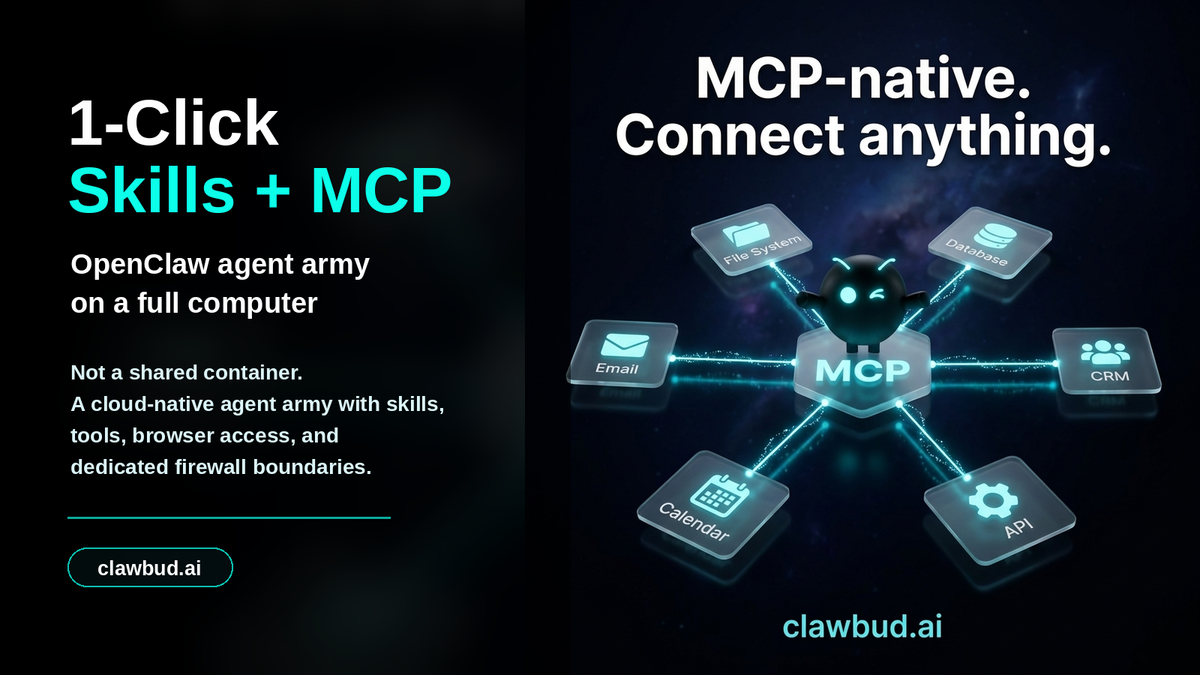
Not a chatbot. Not a shared container. A full computer, a real army of agents, and a per-agent firewall, all yours, deployed in one click.
That is the difference between playing with an AI tool and actually putting autonomous agents to work.
OpenClaw is powerful because it can act. It can use tools, read context, work with files, connect channels, browse the web, and keep moving through a task after the first prompt. But raw power is not enough. A useful agent army needs skills, integrations, memory, browser access, and sane boundaries.
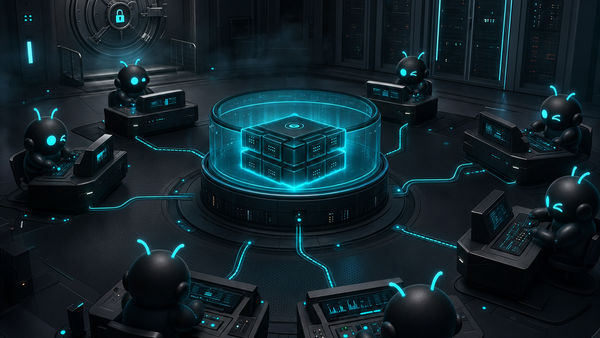
That is where ClawBud is opinionated. ClawBud is your own cloud-native agent army: a managed Agentic OS on a private cloud computer, with OpenClaw, Hermes, code agents, Space Agent, Business Room, CRM, one-click skills and MCP, and dedicated firewall boundaries ready around the work.
Skills Are the Difference Between Chat and Work
A normal chatbot can answer a question. An OpenClaw agent with the right skills can do something with the answer.
That difference matters. A business does not need another tab that writes polite paragraphs. It needs agents that can research, organize, update, draft, compare, check, monitor, and coordinate across real systems.
Skills give agents a sharper job shape. Instead of asking a general model to guess how your business works, you give the agent a reusable capability: content research, CRM work, support triage, browser automation, file handling, reporting, marketing planning, or technical workflows.
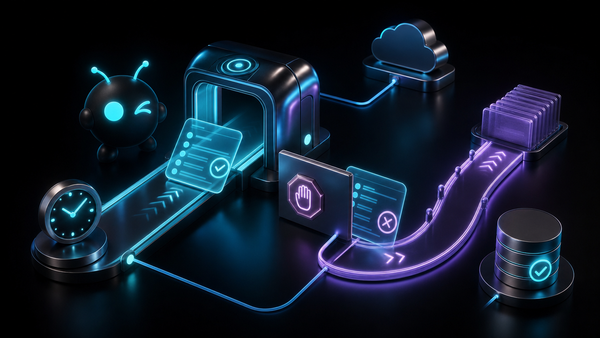
MCP extends that idea by making tools and systems more reachable from the agent environment. The result is not magic. It is plumbing. Good plumbing is underrated. It turns a clever model into a worker that can actually touch the right systems with the right context.
Why One-Click Matters
Most teams do not fail at agents because the model is bad. They fail because the setup becomes a swamp.
Install this package. Configure that server. Expose this port. Add this token. Connect a browser. Wire a channel. Debug a permission issue. Repeat for every agent and every workflow.
That is fine for a weekend prototype. It is painful for a real business.
ClawBud’s bet is simple: the useful parts of an OpenClaw agent army should be ready in clicks. Not because the underlying system is simple, but because the user should not have to become an infrastructure team just to use it.
One-click skills and MCP change the adoption curve. A founder can move from “interesting idea” to “my agent can actually do this workflow” without spending the day inside setup docs.
A Full Computer Beats a Thin Agent Sandbox
Skills and MCP become more valuable when the agent has a real place to run.
A thin shared sandbox can make a demo look good, but serious autonomous work needs more. The agent needs browser access. It needs files. It needs stable memory. It needs integrations. It needs room for code agents and autonomous agents to work side by side. It needs boundaries that make sense for the job.
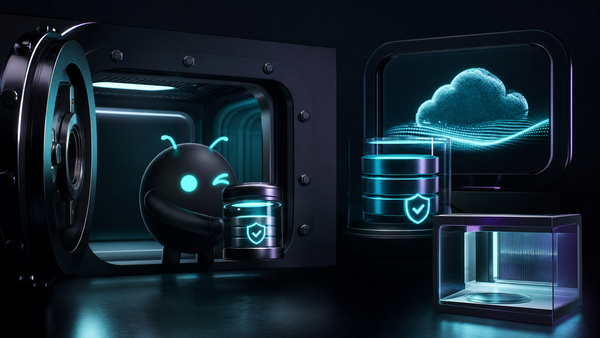
That is why ClawBud uses the language of a full computer. Customer-facing copy should be honest: this is not just another shared container. ClawBud gives each customer a private cloud computer for the agent army, managed by the platform.
That foundation supports the rest of the stack: OpenClaw for autonomous work, Hermes for orchestration and communication, code agents and CLIs for development work, Space Agent for visual browser control, Business Room and CRM for business context, and one-click skills and MCP for practical capabilities.
Code Agents Are Not the Same as Autonomous Agents
This distinction gets missed constantly.
Code agents and CLIs, like Codex, Claude Code, Gemini CLI, and OpenCode, are built for developer tasks. They read code, edit files, run commands, and help ship software. They are powerful, but they are not the same thing as an autonomous agent that lives across business operations.
An autonomous OpenClaw agent is closer to a digital operator. It can research a market, watch a channel, prepare follow-up, use a browser, update business context, or coordinate with another agent.
A modern agent army needs both. Code agents build and repair. Autonomous agents operate and coordinate. Skills and MCP help both sides reach the tools they need without forcing the user to glue everything together manually.
ClawBud’s job is to make that army feel assembled, not scattered.
Why Firewall Boundaries Still Matter
More capability means more responsibility.
If agents can use tools, reach systems, browse websites, and coordinate work, they should not all share the same open lane. A research agent, a CRM agent, a coding agent, and a support agent do not need identical reach.
That is why ClawBud keeps dedicated firewall boundaries in the product story. The point is not to scare users with security language. The point is to make autonomous work safer by default.
Per-agent firewall boundaries make more sense than one broad trust bucket. They match the reality of an agent army: different agents, different jobs, different lanes.
What This Looks Like in Practice
Imagine a launch workflow.
One OpenClaw agent researches competitor language and buyer objections. A second agent drafts a blog outline and social angles. A code agent checks the landing page implementation. Space Agent gives you a live browser view when visual work matters. Hermes coordinates updates through connected channels. CRM context helps the business agent remember who matters and what follow-up is due.
The valuable part is not any single model call. The value is the operating layer around the work.
That is the ClawBud thesis: your own cloud-native agent army, not one assistant pretending to do everything.
Where ClawBud Fits
ClawBud is built for founders, operators, developers, and teams that want OpenClaw power without becoming the setup department.
Start at clawbud.ai. The pricing page explains BYOK, Starter, Pro, and Business. The blog goes deeper on OpenClaw, Hermes, Space Agent, memory, browser work, code agents, and the agent army model.
The short version: ClawBud gives you a full computer for autonomous work, a managed OpenClaw stack, one-click skills and MCP, a real browser, dedicated firewall boundaries, and a path from prompt to production work.
That is what an Agentic OS is supposed to do.
FAQs
What are OpenClaw skills?
OpenClaw skills are reusable capabilities that help an agent perform specific kinds of work. They can guide workflows, tool use, content tasks, automation, research, coding support, and business operations.
What is MCP in an agent setup?
MCP is a way to connect agents with tools and systems in a more structured way. In practice, it helps agents reach useful capabilities without every workflow becoming a custom integration project.
Why does ClawBud emphasize one-click skills?
Because setup friction kills adoption. One-click skills help users turn OpenClaw from a powerful runtime into a working agent system without spending hours on manual configuration.
Is ClawBud only for developers?
No. Developers can use code agents and CLIs inside the wider stack, but ClawBud is also built for founders, operators, and businesses that want autonomous agents for real workflows.
How is an autonomous agent different from a code agent?
A code agent focuses on software tasks like editing files and running commands. An autonomous agent can operate across broader business workflows, browser tasks, channels, research, memory, and coordination.
Why does ClawBud mention a dedicated firewall?
Because agents that can act need boundaries. Dedicated firewall positioning helps separate agent roles and avoid treating the entire agent army as one flat trust zone.
Start With a Working Agent Army
If you want a chatbot, you have plenty of options.
If you want OpenClaw, code agents, skills, MCP, browser work, memory, orchestration, and dedicated firewall boundaries on your own full computer, start with ClawBud.
Deploy your cloud-native agent army at clawbud.ai.